
Book a study room
Group study rooms are available for booking at all of our libraries and the Language Learning Centre.
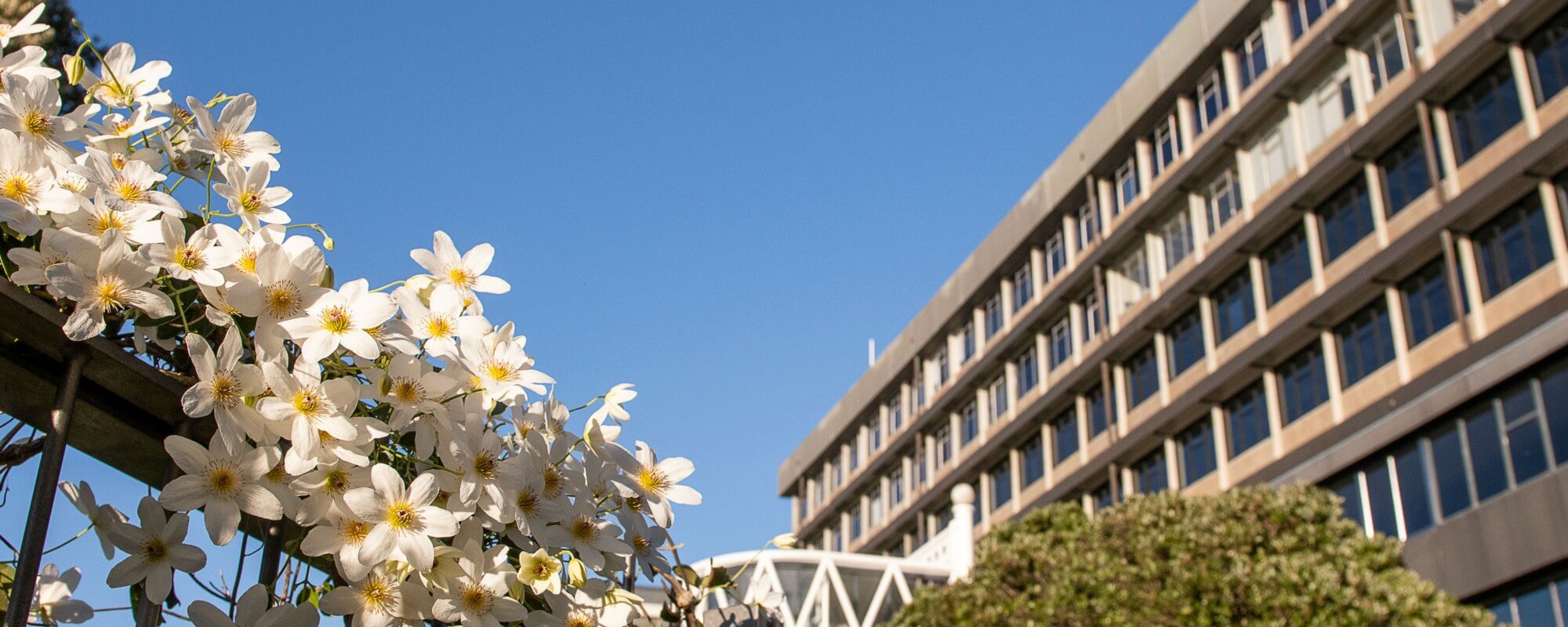
Nau mai, haere mai ki te Pātaka Kōrero
Loading Library opening hours...
Group study rooms are available for booking at all of our libraries and the Language Learning Centre.
Access online databases by title or by subject area.
Resources available:
Find Library resources related to your course:
Library guides provide information on online resources useful for your study and research.
Your subject librarian can provide personal in-depth help with your research and teaching.
World Poetry Day (21 March) is celebrated at our library annually and sees a pool of resources shared across our digital channels.
Te Pātaka Kōrero—The Library proudly supports International Women's Day by pooling together a selection of our broad collection.
Short-term digital collections are available on Te Waharoa under the Collections tab.
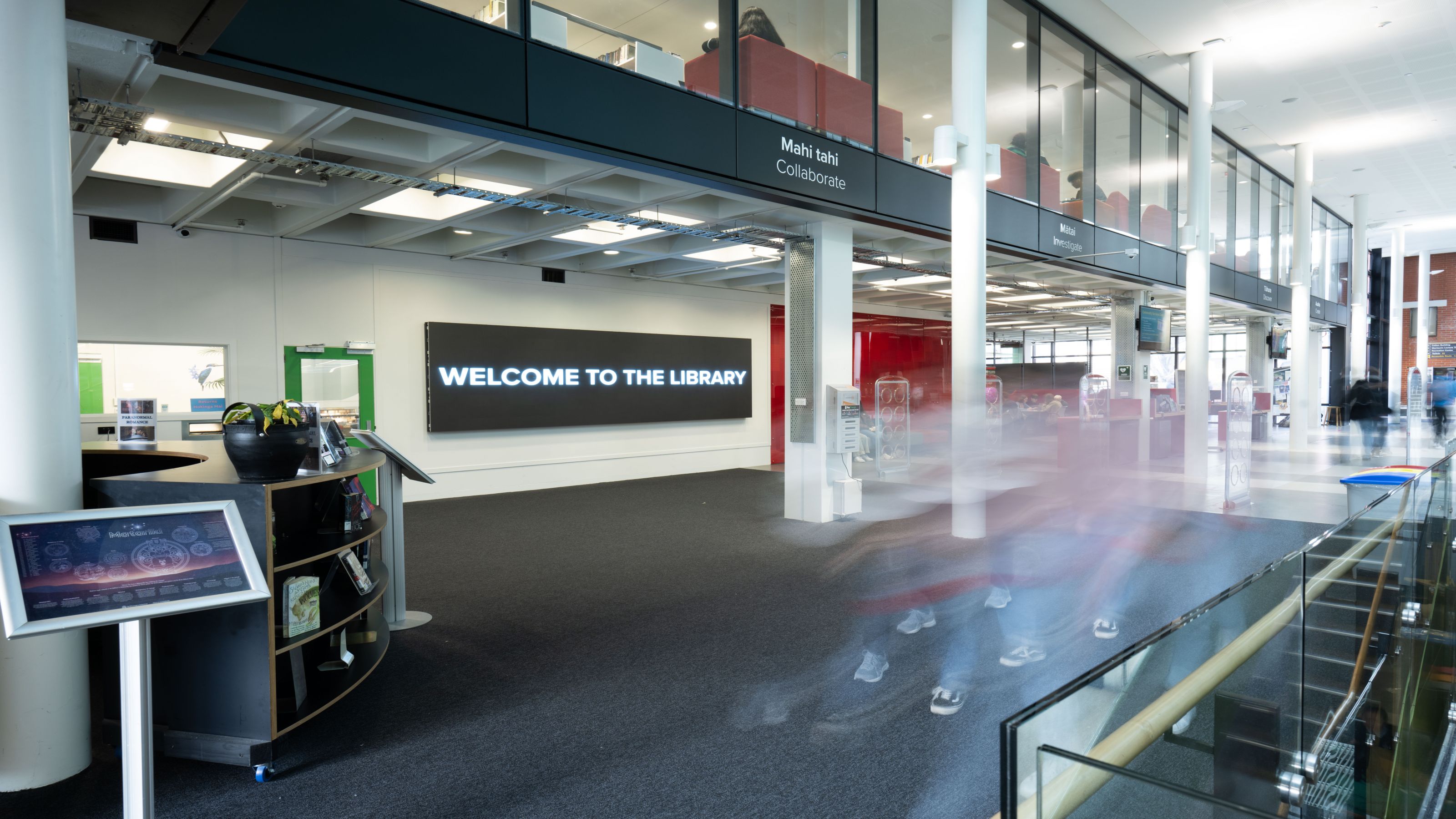
today’s hours: 8 am to midnight
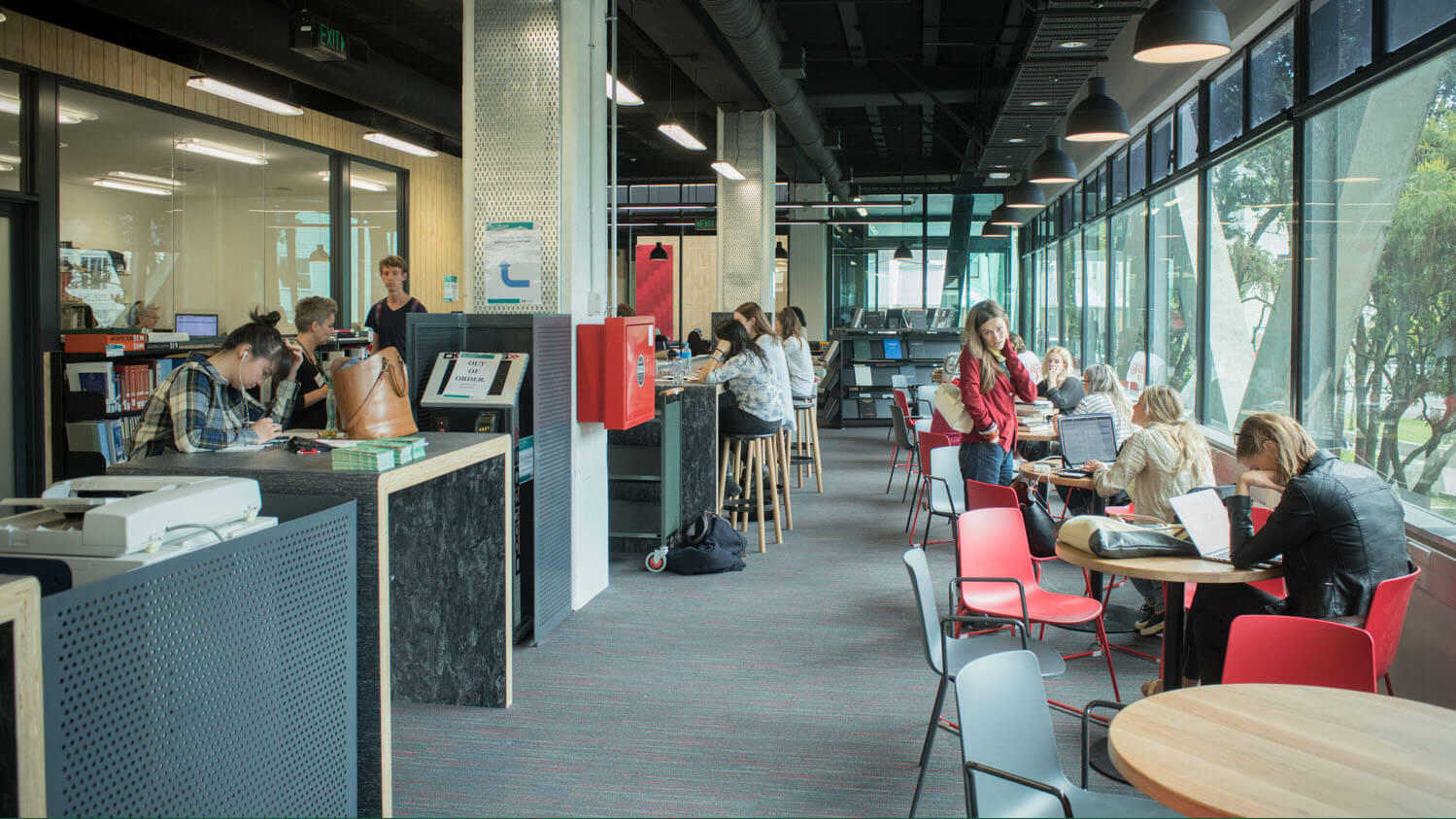
today’s hours: 8 am to midnight
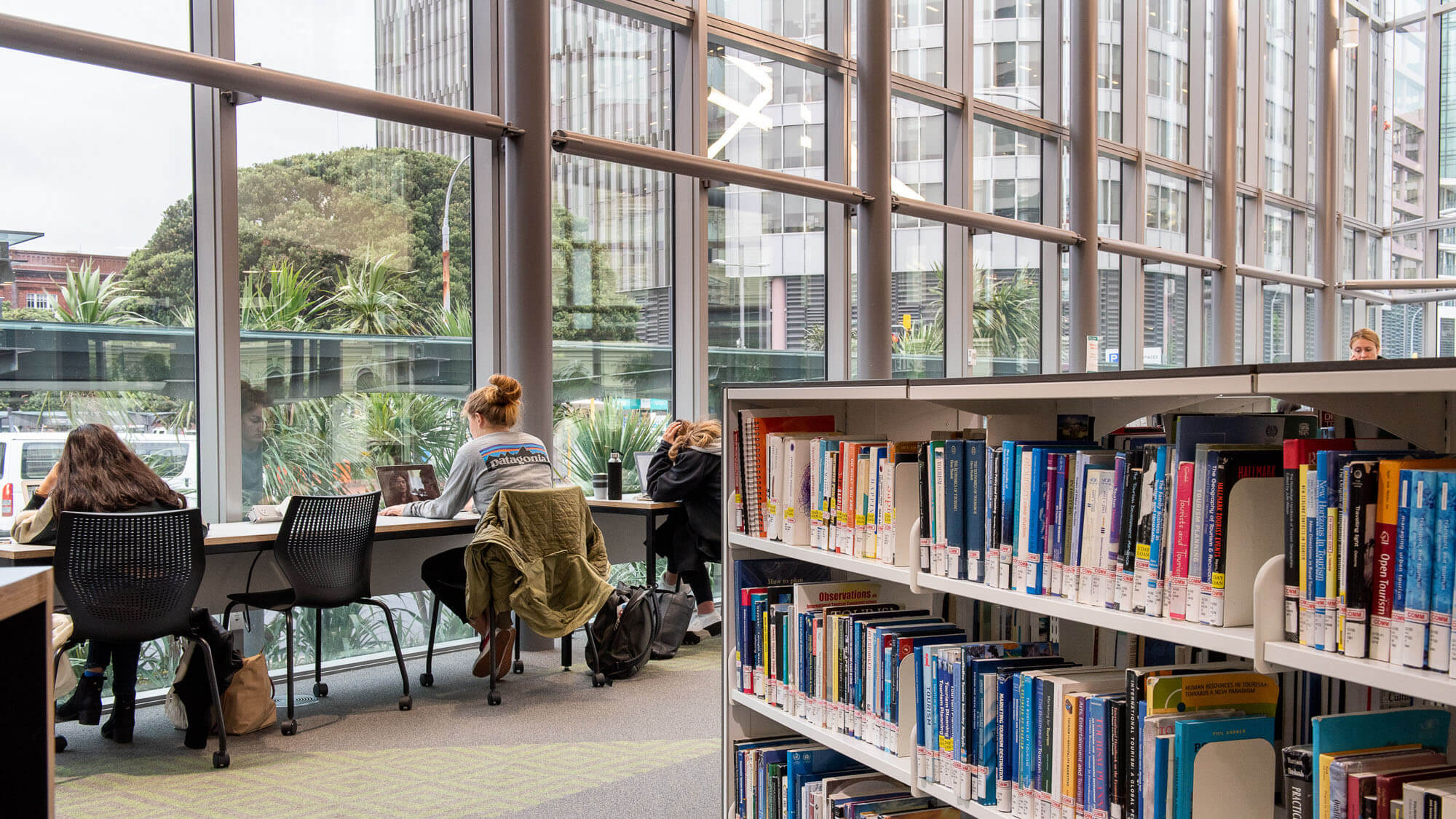
today’s hours: 8 am to midnight
today’s hours: 8 am to midnight